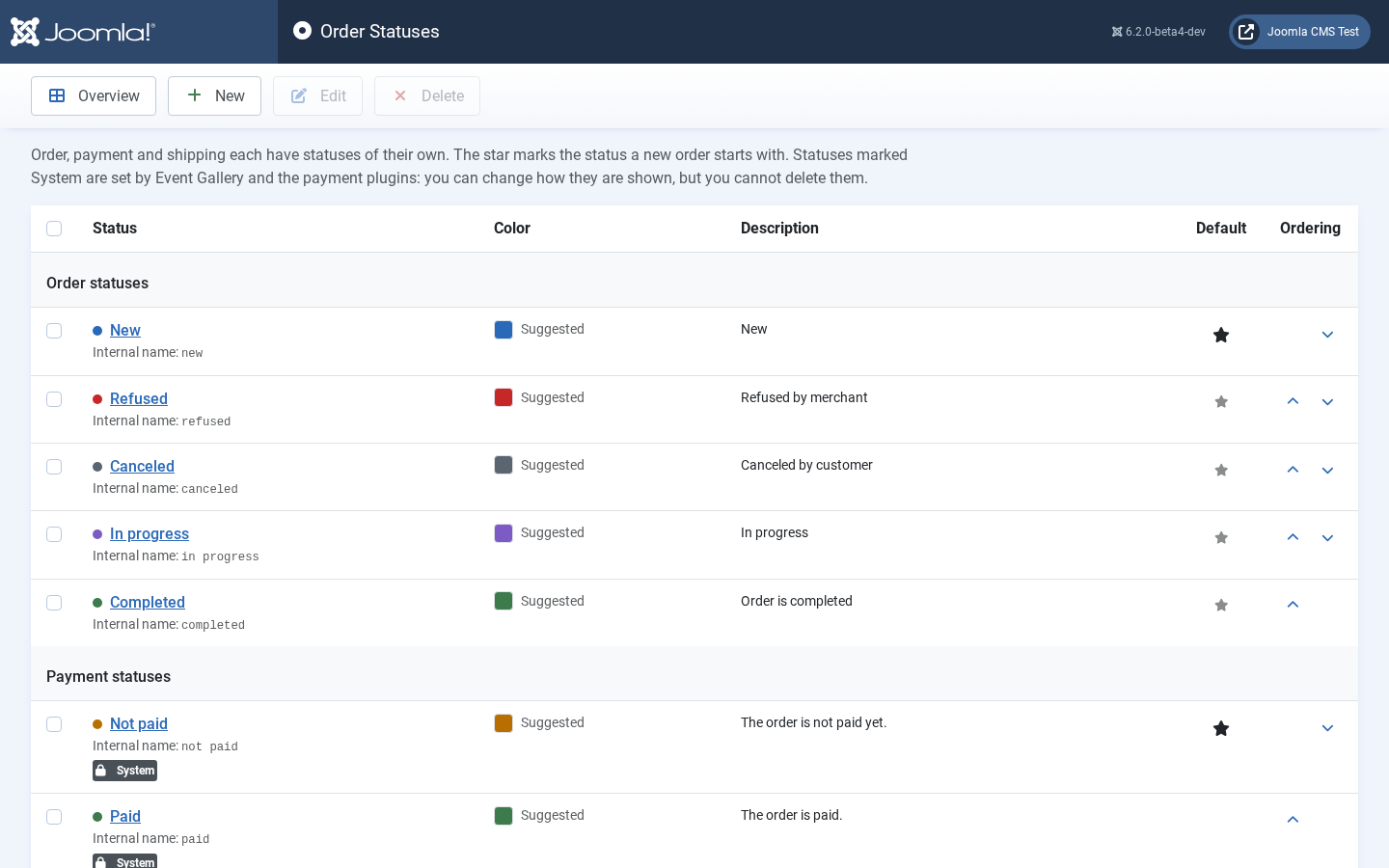
Use custom order statuses to define your own workflow. The list shows the order, payment and shipping statuses in a group each. Every status appears with the colored dot the order list uses, its internal name and its description; the column Color shows the color you picked, or Suggested for a status Event Gallery installs and colors itself, or None.
There are only a few statuses which are fixed because Event Gallery and the payment plugins use them to set a status: they carry the badge System. You can change how those statuses are shown, but you can’t remove them. The dark star marks the default status, which a new order gets. To make another order status the default, click its gray star. The arrows move a status up or down within its group.