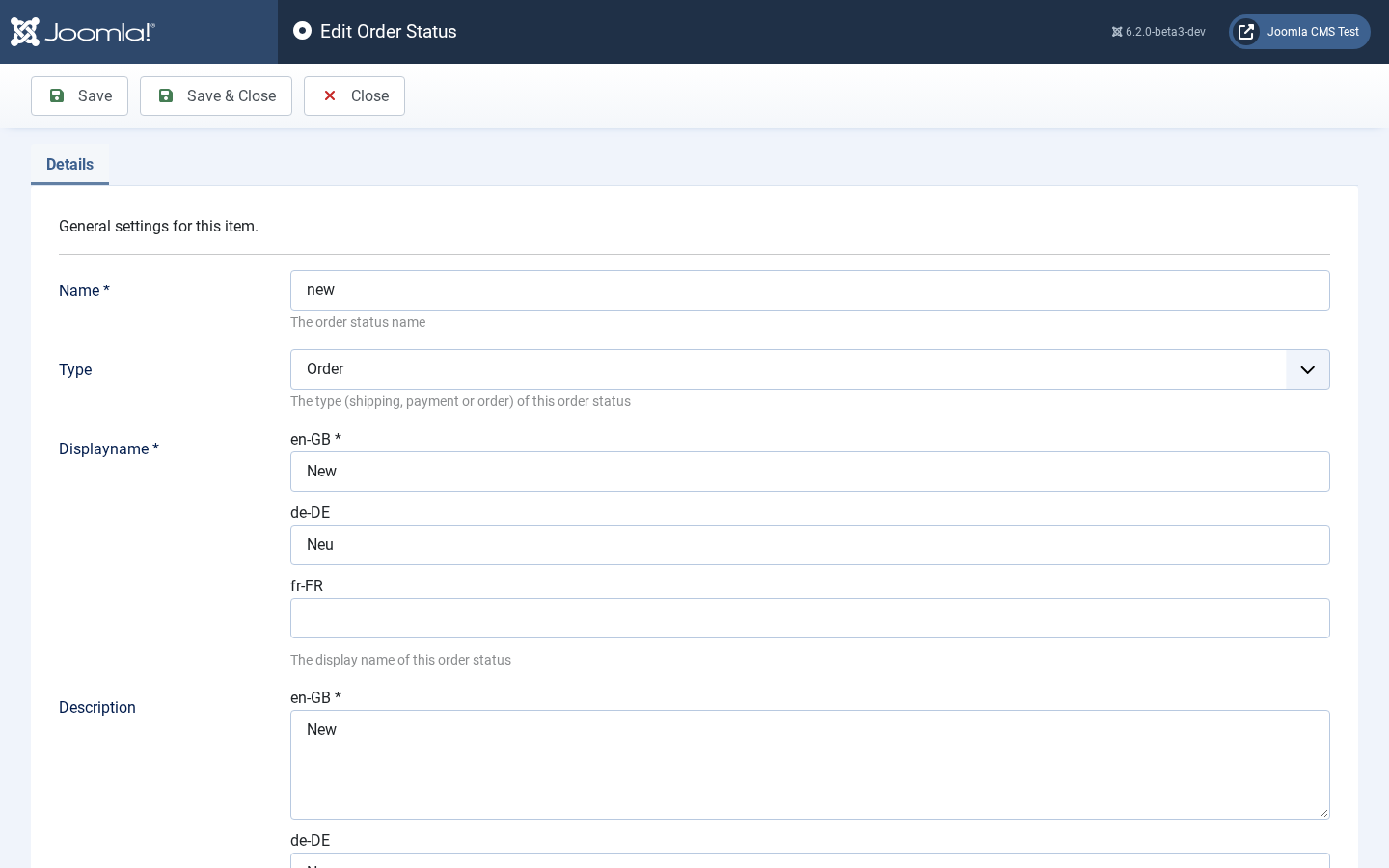
You can define a status for the order, shipping and the payment.
-
Name
Your internal name for this status.
-
Type
Is this the status for an order, payment or shipping? Once the status is created, you can’t change the type
-
Display Name
The name which is shown to a customer.
-
Description
A description of this status. What does it mean to you?
-
Highlight Color
The color of the dot in front of this status in the order list and in the list of order statuses in the back end. If you leave it empty, the statuses Event Gallery installs get a suggested color - for example green for Paid and amber for Not paid - and your own statuses a gray dot.
All prices include VAT. The gross price will vary depending on the selected shipping country.