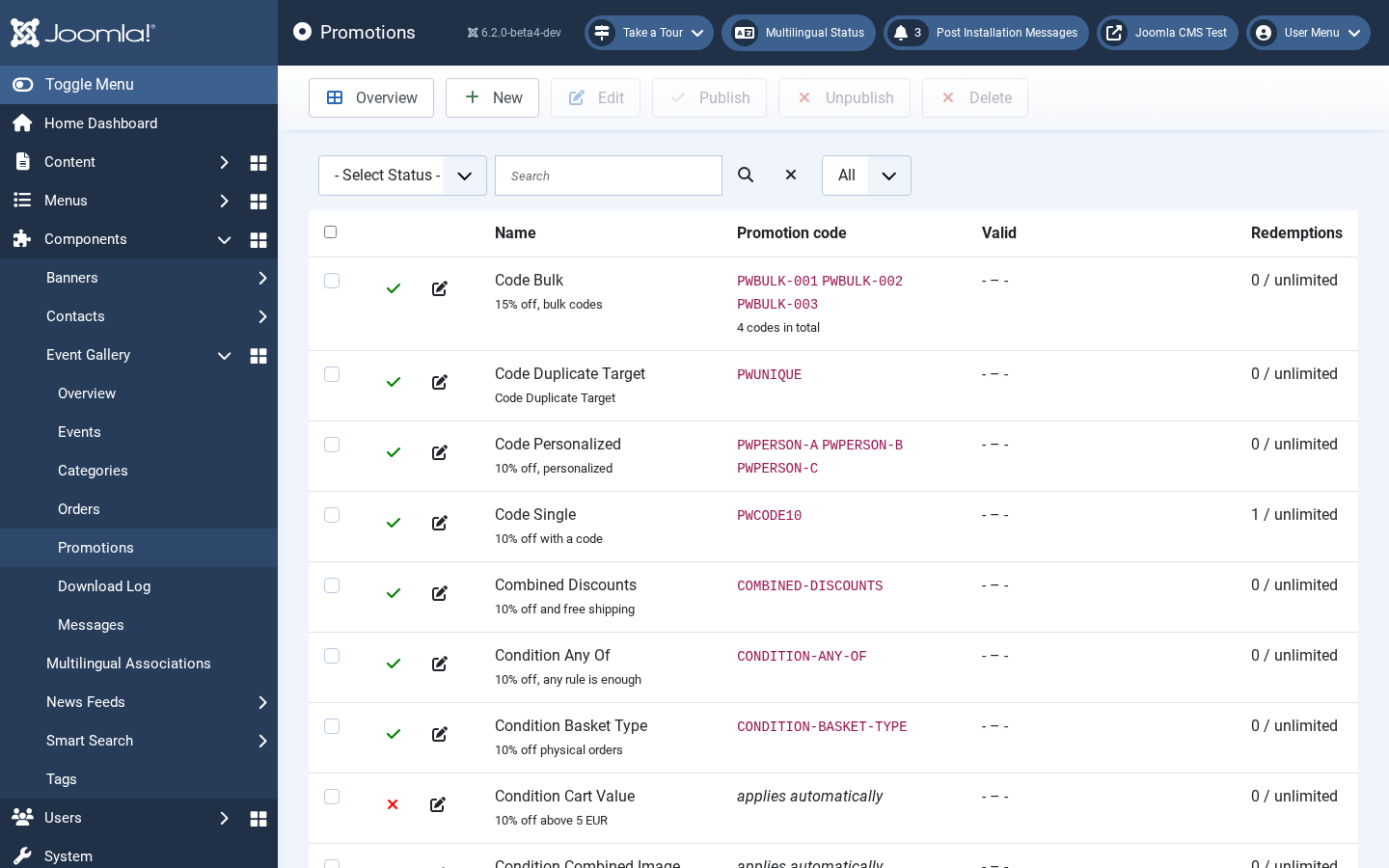
Promotions reduce the price of a cart. They either apply automatically as soon as their conditions are met, or the customer has to enter a promotion code first.
A promotion is built from two independent parts:
- Discount rules describe how much the price is reduced.
- Condition rules describe when the promotion is active.
Leave the conditions empty and the promotion always applies. Leave the code list empty and the promotion applies without the customer having to enter anything.
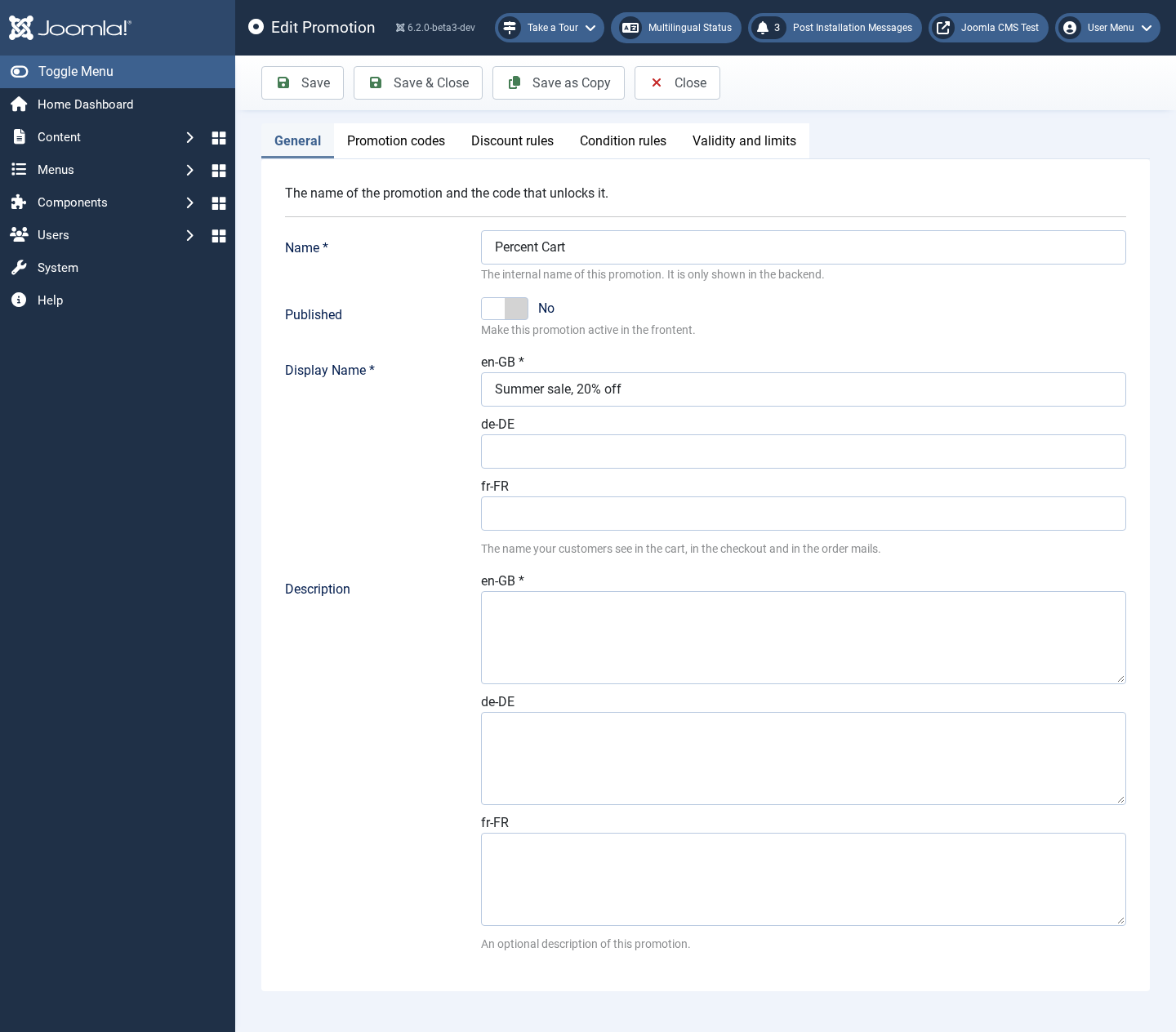
A promotion needs at least one discount rule. Several rules are added up, so you can hand out a percentage and free shipping at the same time.
| Rule | Description |
|---|---|
Percentage off the cart | Reduces the whole cart by a percentage, for example 20%. Use Maximum discount to cap what the promotion can ever be worth. |
Fixed amount off the cart | Reduces the cart by a fixed amount, for example a 50 EUR voucher. The discount is never larger than the cart. |
Percentage off selected image types | Like the percentage rule, but only the line items of the selected image types or image type groups are reduced. |
Fixed amount off selected image types | Like the fixed rule, but limited to the selected image types or image type groups. |
Free shipping | Cancels out the shipping costs. The shipping method keeps showing its normal price and the promotion cancels it out, so the customer can see what they saved. |
The amounts are given in the currency configured for your shop.
A discount can never make the total negative. If the discount rules would reduce the cart by more than the customer has to pay, the discount is capped at the amount that is actually due. If a promotion ends or runs out while a customer is on the last page of the checkout, their order is not placed at the higher price: the page is shown again with the new total and a message, and the customer decides. An order whose total ends up at zero is marked as paid right away, and the buyer gets the order confirmation as soon as it is paid - with the download links, if the order contains downloads.