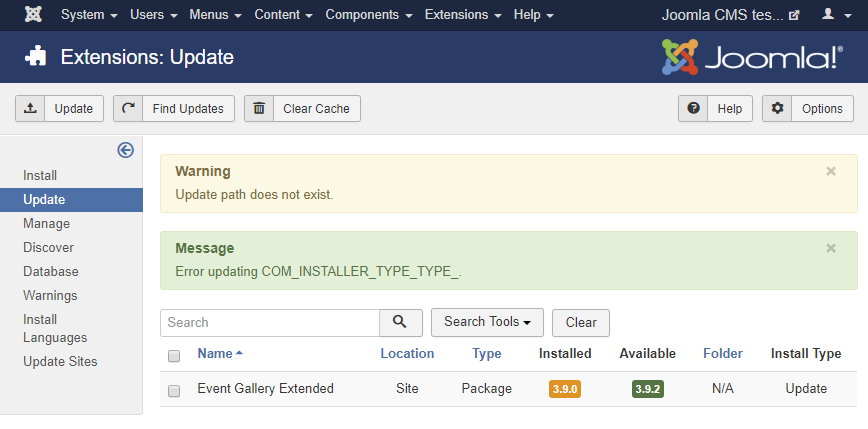
I get messages like Update path does not exist. or Error updating COM_INSTALLER_TYPE_TYPE_ when I try to update Event Gallery Extended.
To update Event Gallery Extended you need to configure your DownloadID. If you forgot your DownloadID, you can find it here: https://www.svenbluege.de/subscribe/download-id. In addition, please make sure your subscription is still active. Otherwise, you can’t download the latest version. You will find the field in the component’s options.
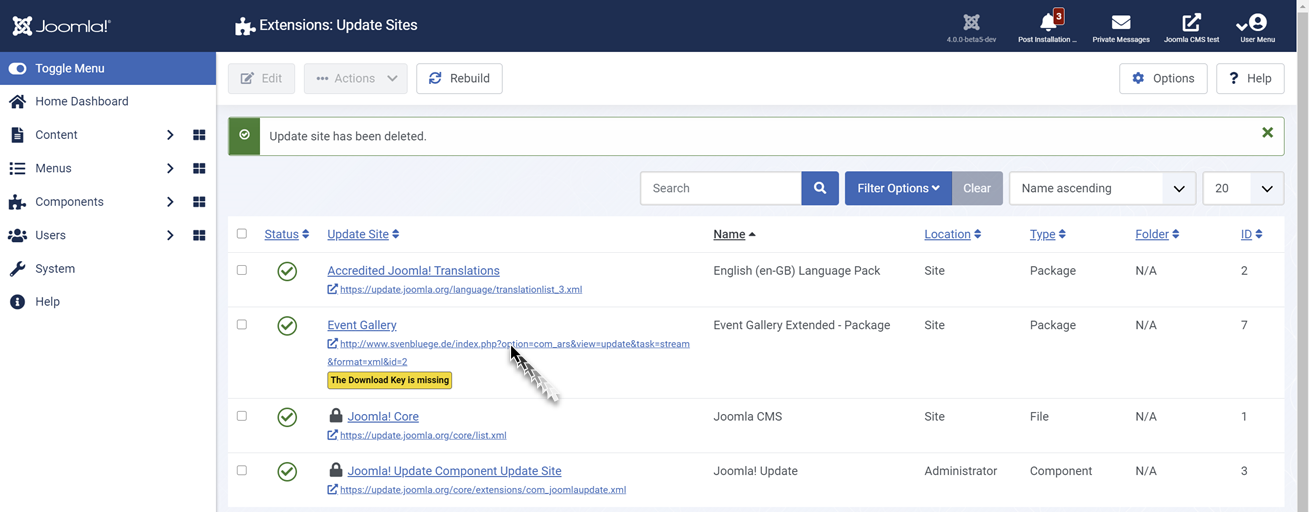
When you enter the Download ID, Joomla shows InstallerHelper::getDownloadKey(): Argument #1 ($extension) must be of type stdClass, null given.
The update site of Event Gallery Extended is no longer linked to the installed package. Open System - Update Sites and click Rebuild in the toolbar. Joomla creates the update sites of all extensions again and keeps the Download IDs you already entered. Then click the entry Event Gallery Extended - Package in that list and enter your Download ID. If Joomla says that the plugin Extension - Joomla is disabled, enable it under System - Plugins first.