Event Gallery
Are you looking for Event Gallery? Jump to the information page.
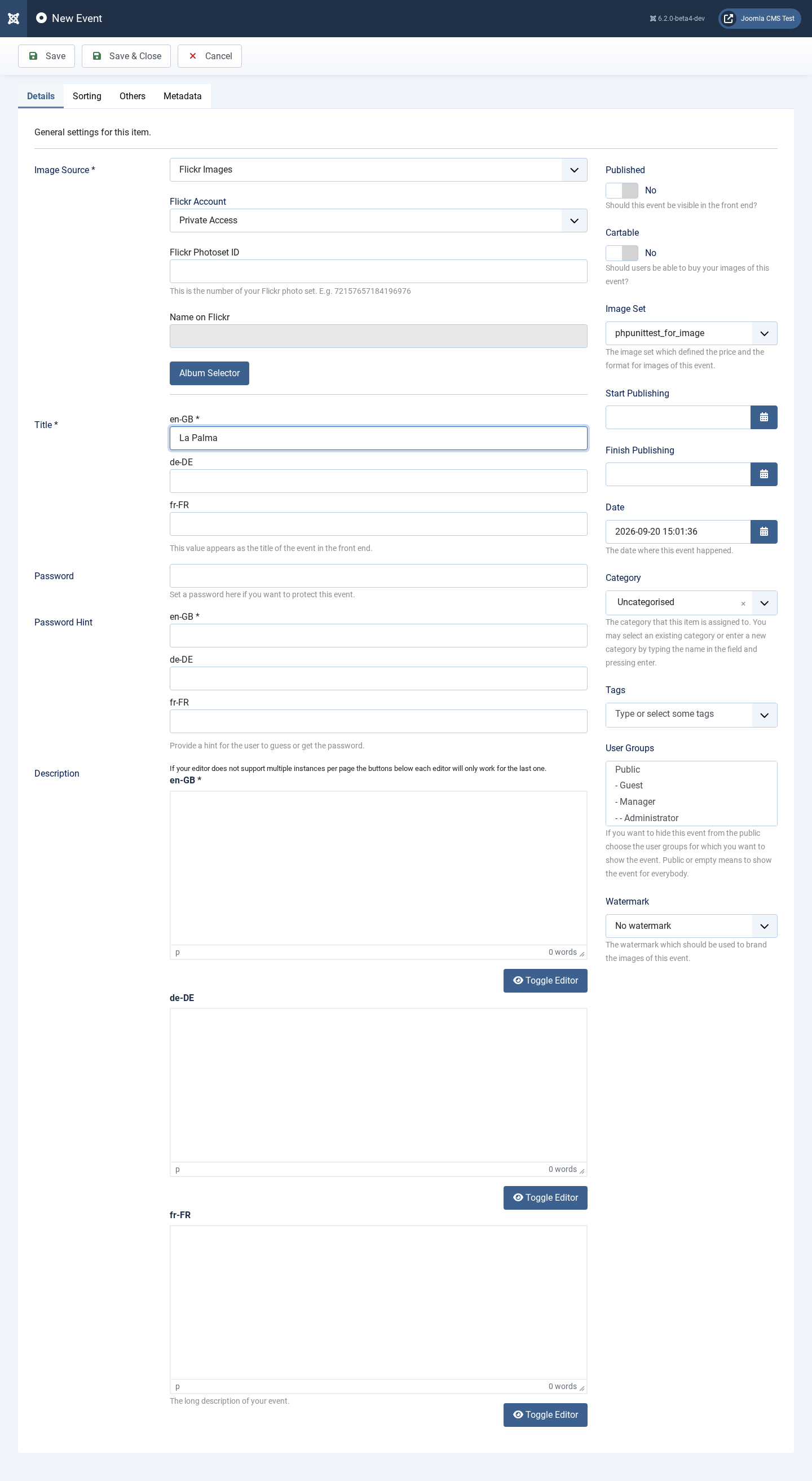
To create an event in Event Gallery, start by hitting the NEW button on the page which shows the list of Events.
-
Select
Flickr Imagesin the Image Source dropdown. - Select the Flickr Account you want to use to access the Flickr API. We created one in the instructions above.
-
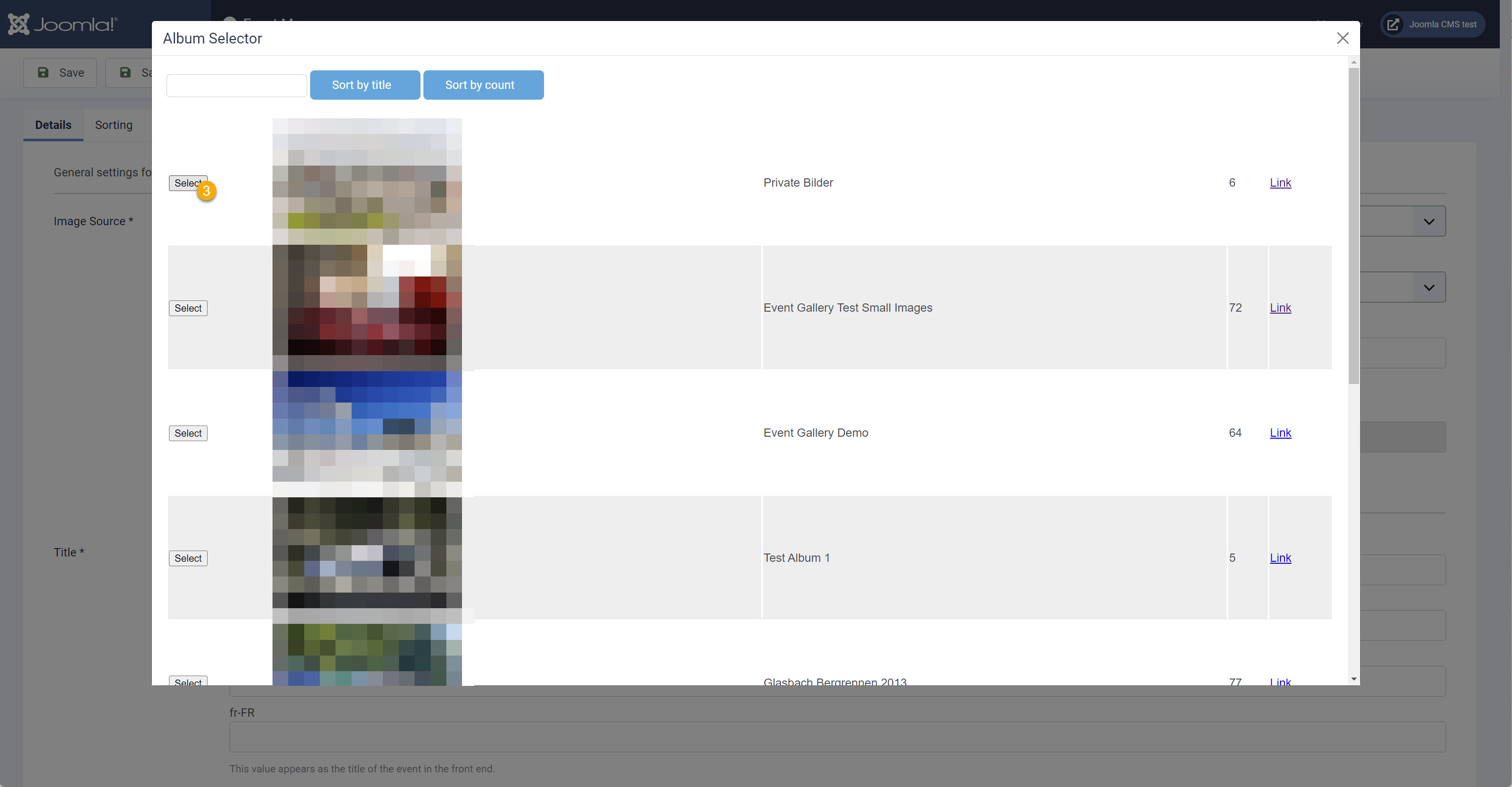
Select the album by clicking the
Album Selector-button. This opens a dialog where you can select from the Flickr albums that account provides. Search, filter and finally hit theselect-button. Your selection is transferred to the event - Continue filling in fields such as the title, and don’t forget the publish toggle.
- Save the Event and you’re done.

 | Note |
|---|---|
|
You can use images uploaded after March 2012. Make sure your server can communicate with the Flickr server. Sometimes firewalls or PHP settings block outgoing communication. |
All prices include VAT. The gross price will vary depending on the selected shipping country.