With Event Gallery 3 you can use your events inside articles. By including a simple tag in your article some of your images will show up. You can choose between linking to the event or showing the images in a lightbox. In addition to simple thumbnails, you can use some main component layouts.
Using an image list
Since version 3.3 you can include multiple image list layouts. You can also select a range of images you want to use by setting an offset and the numbers of images you want to show. The following options are possible.
Image List Layout
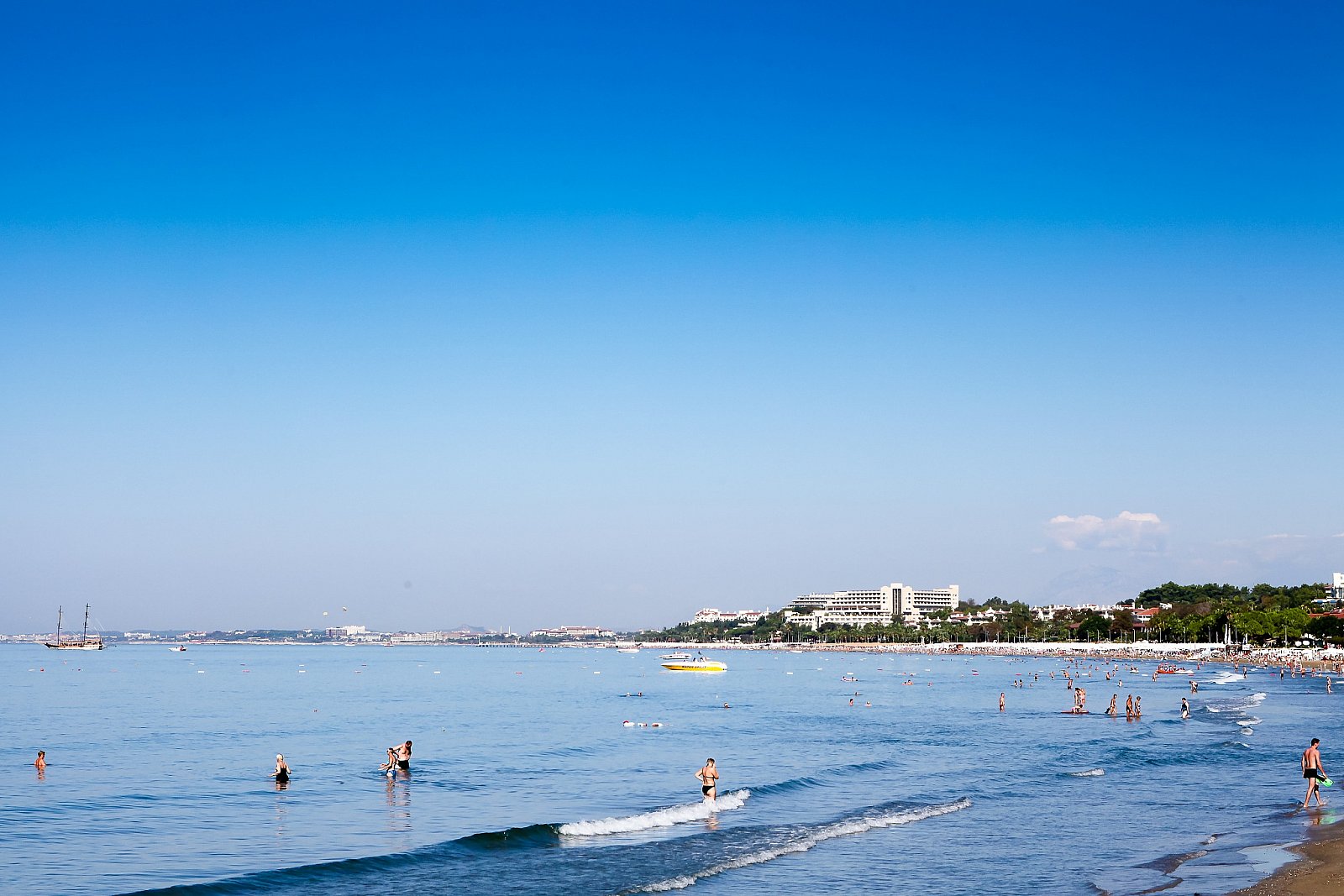

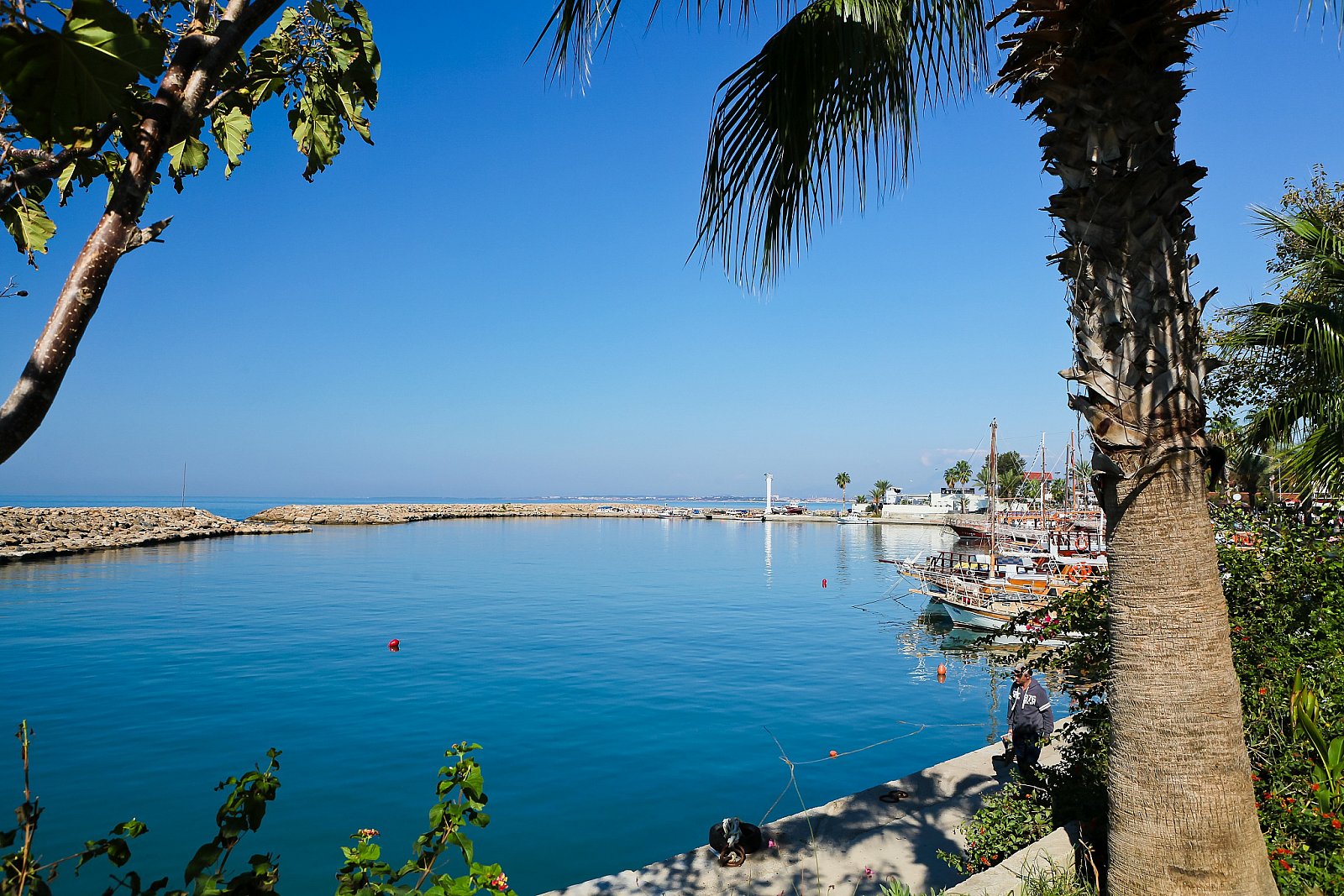
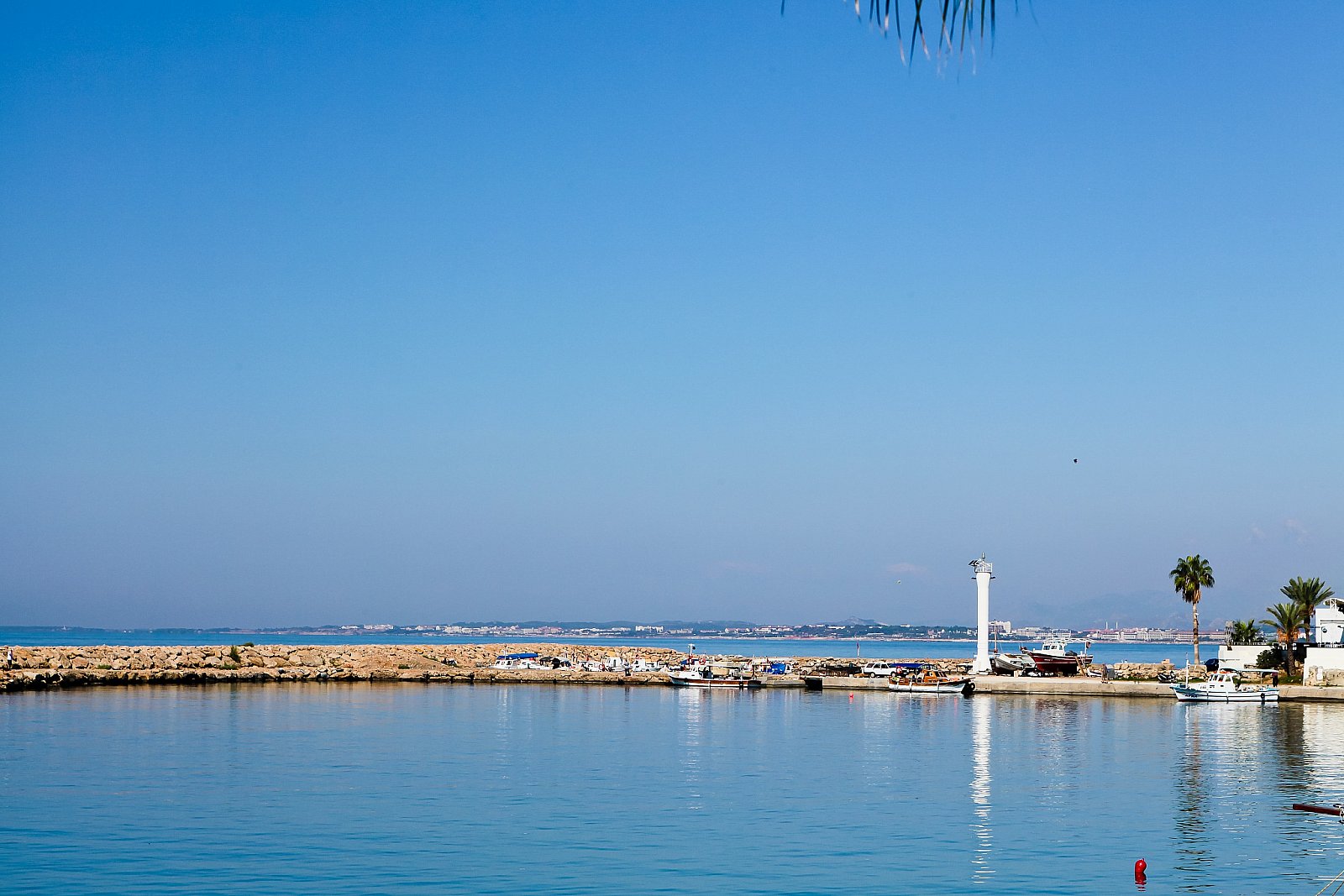
Grid Layout
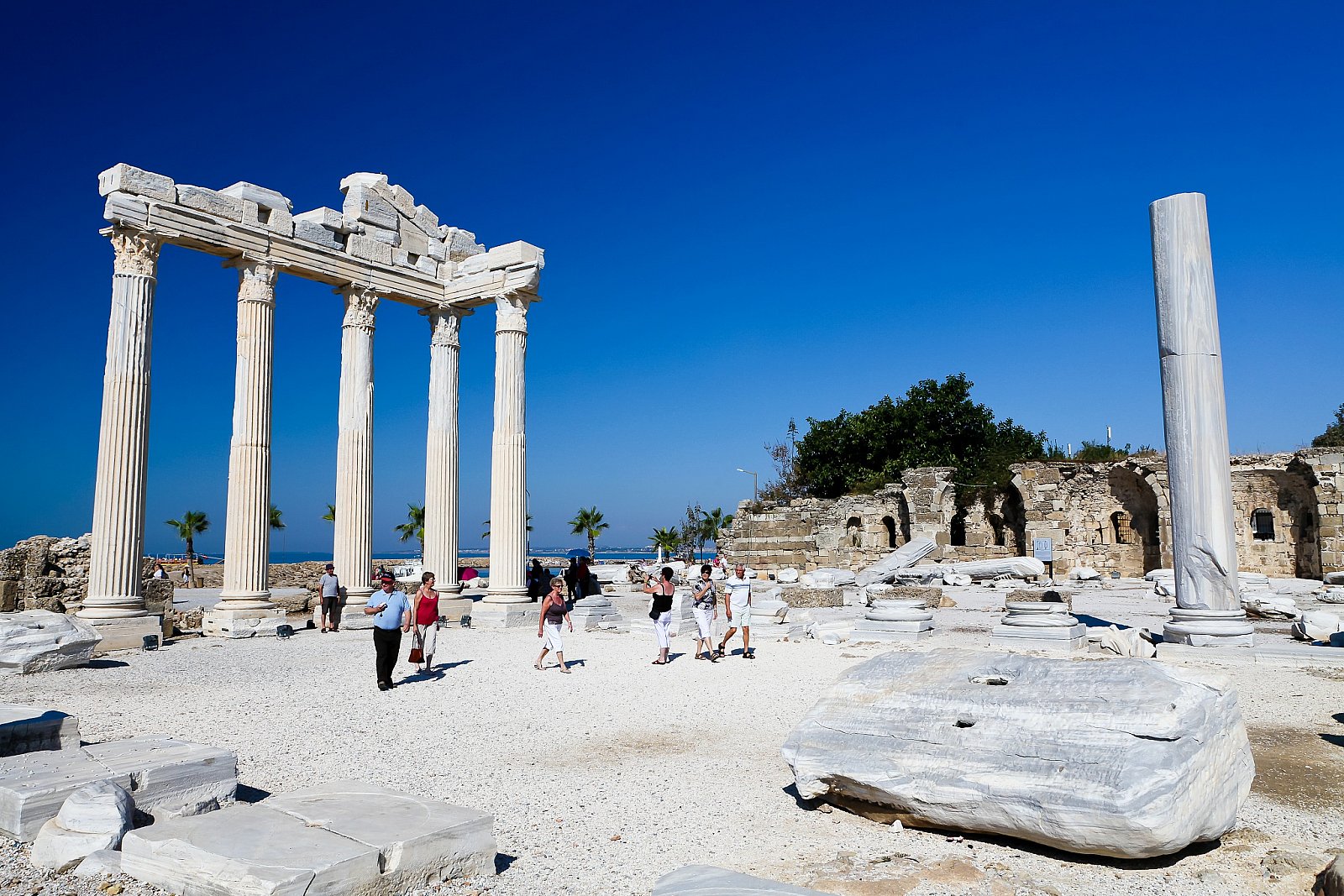


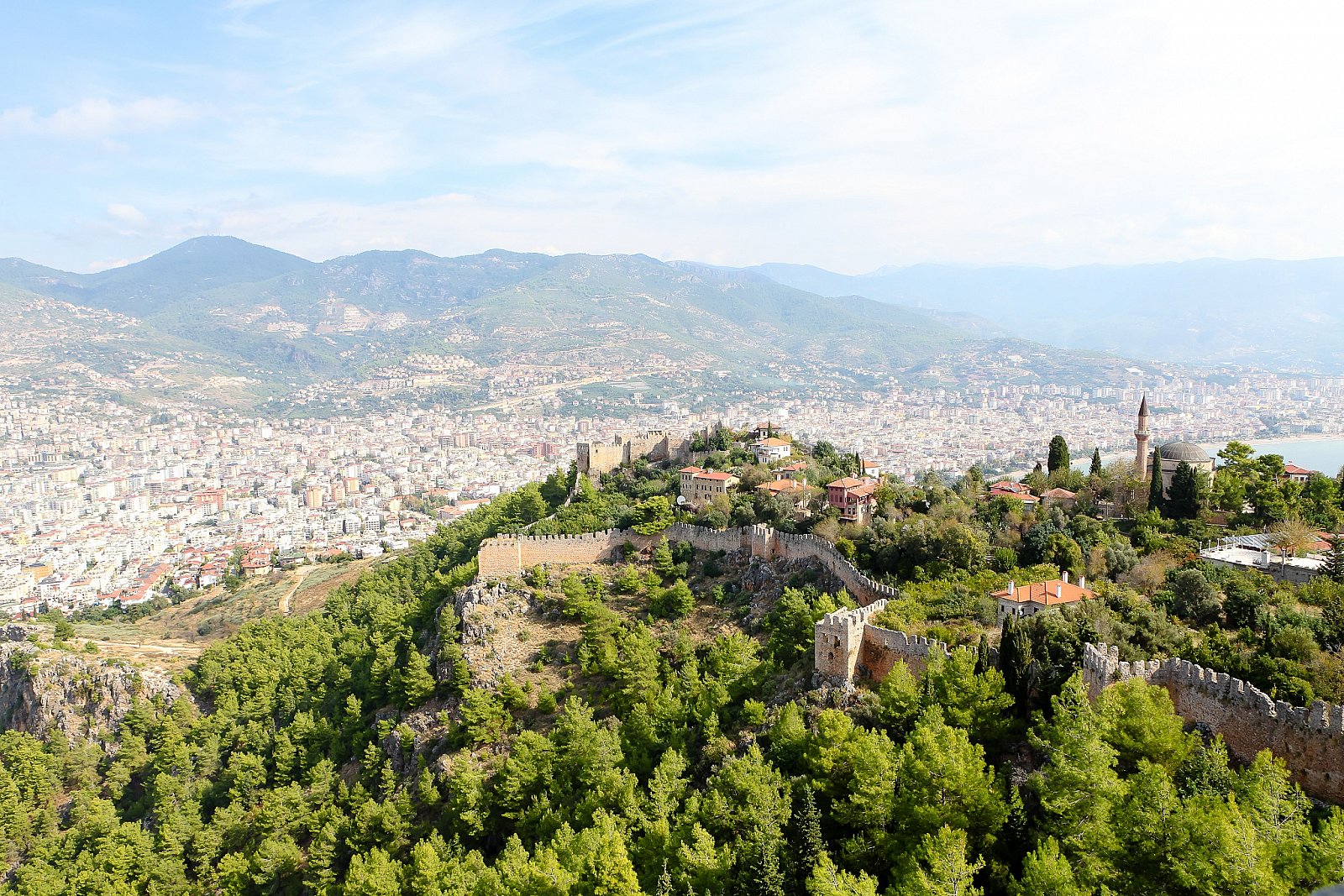
Tiles Layout
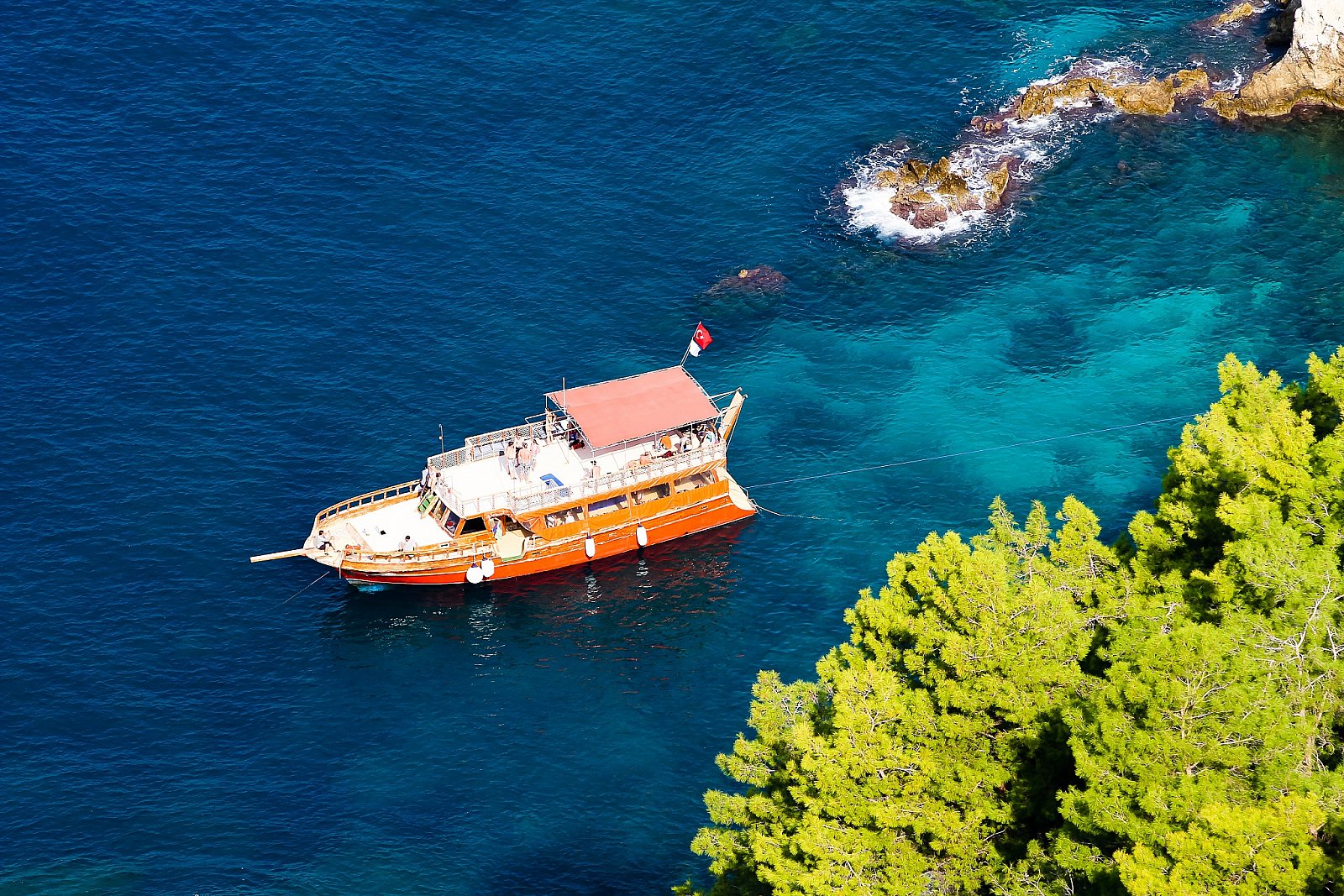
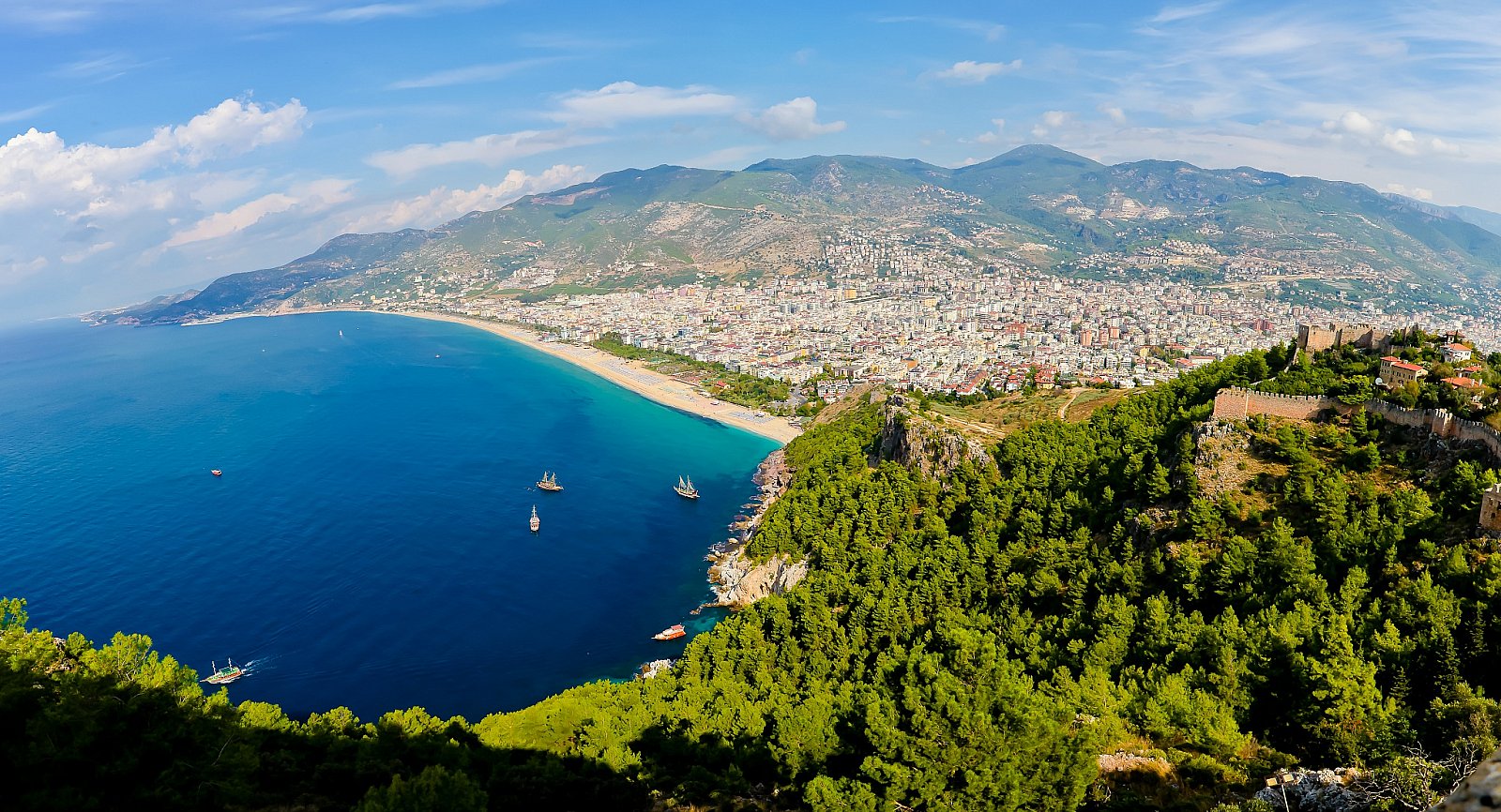
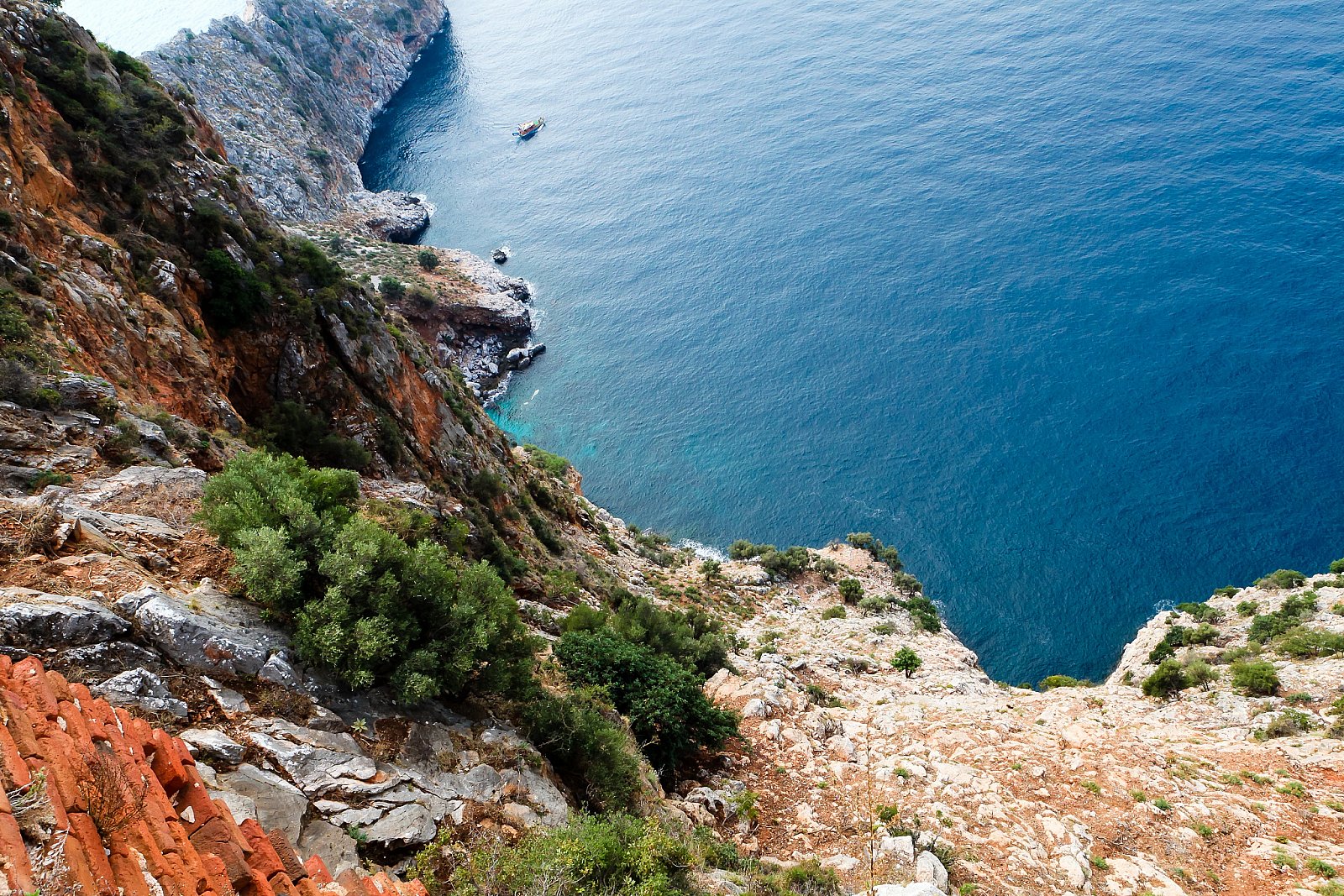
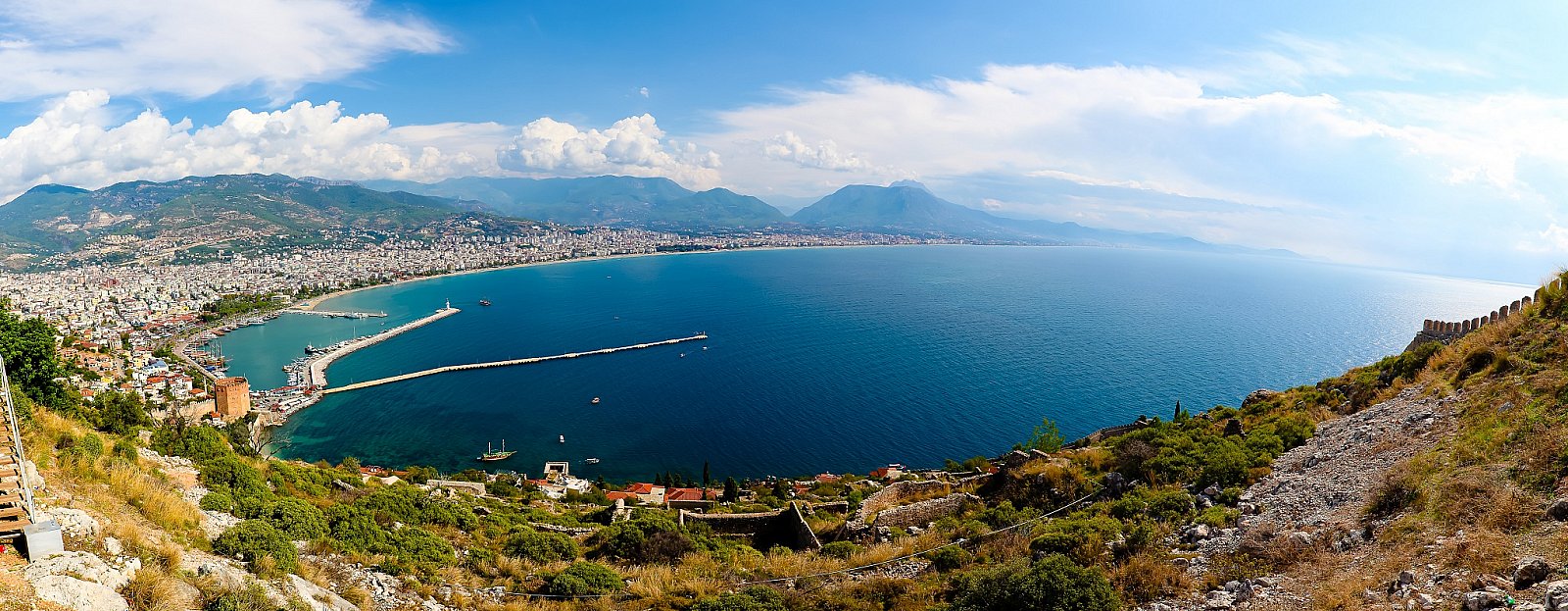
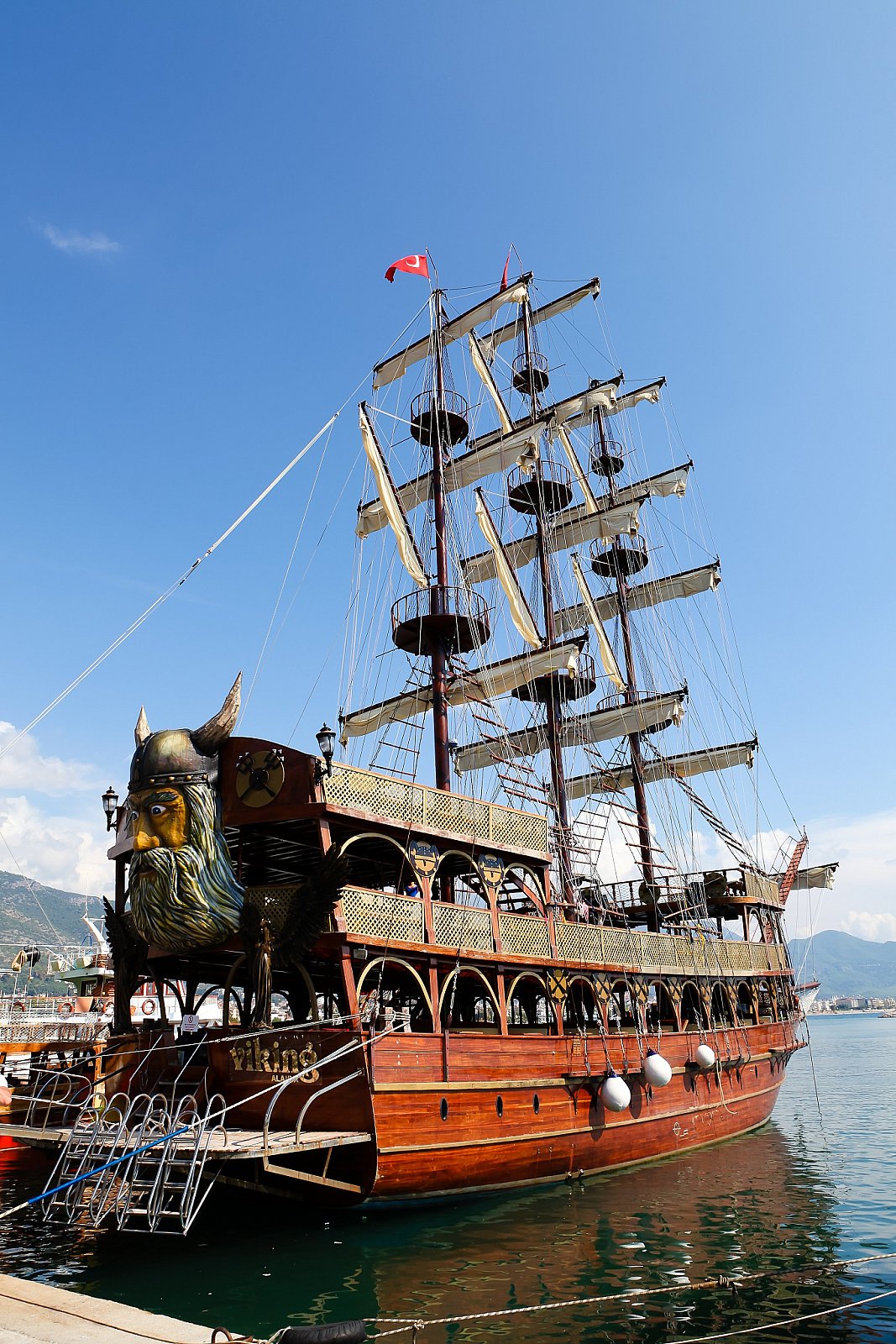
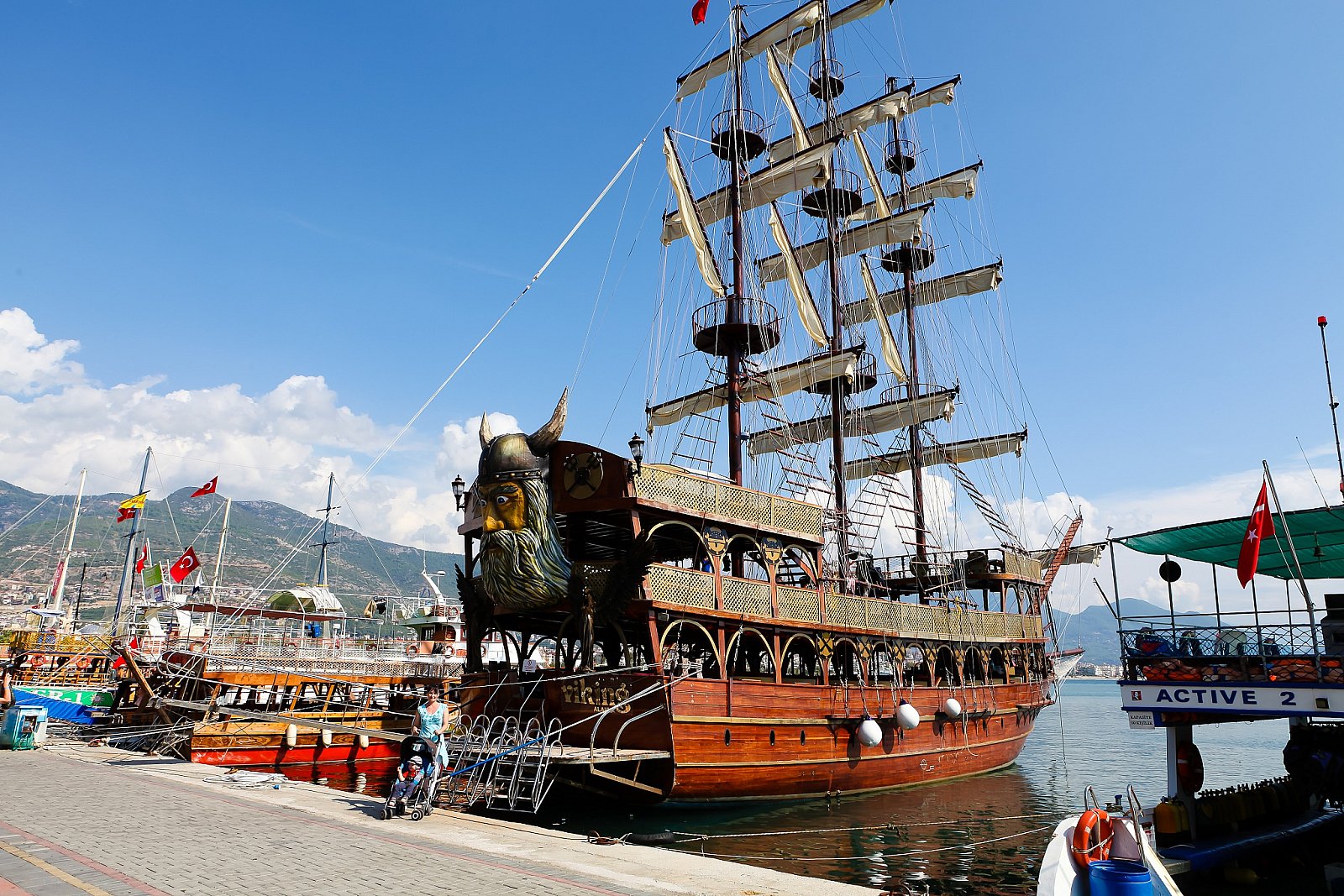
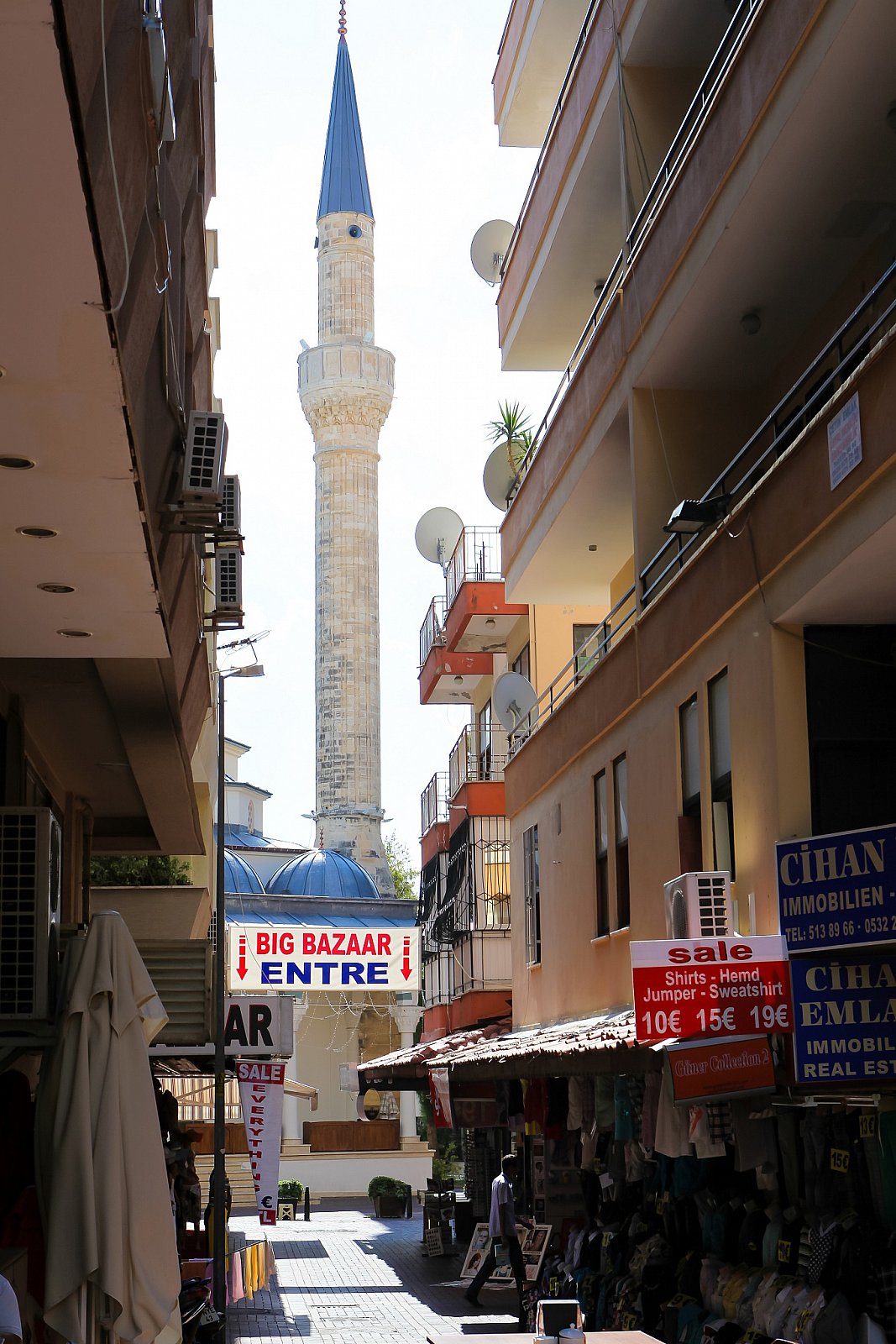
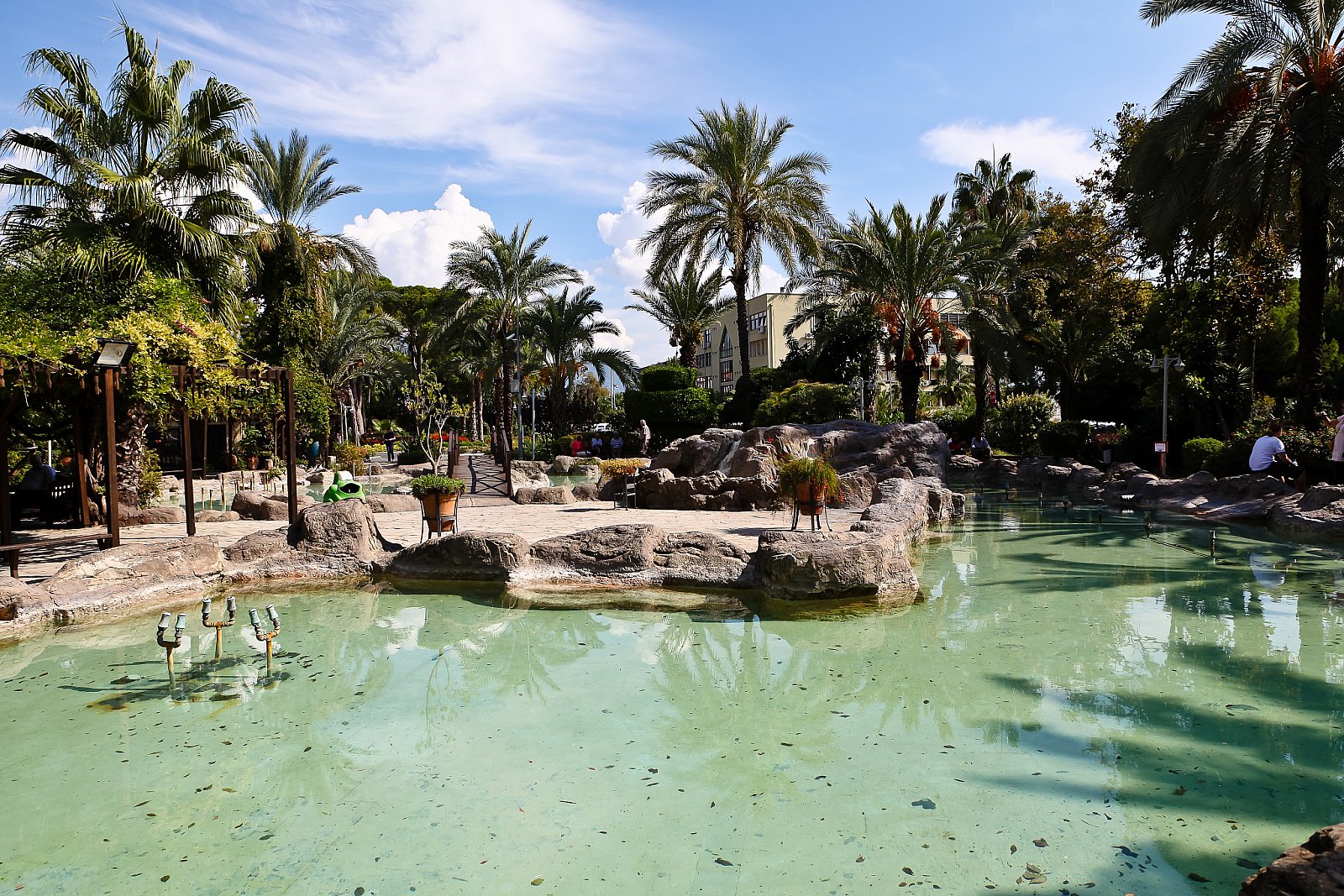
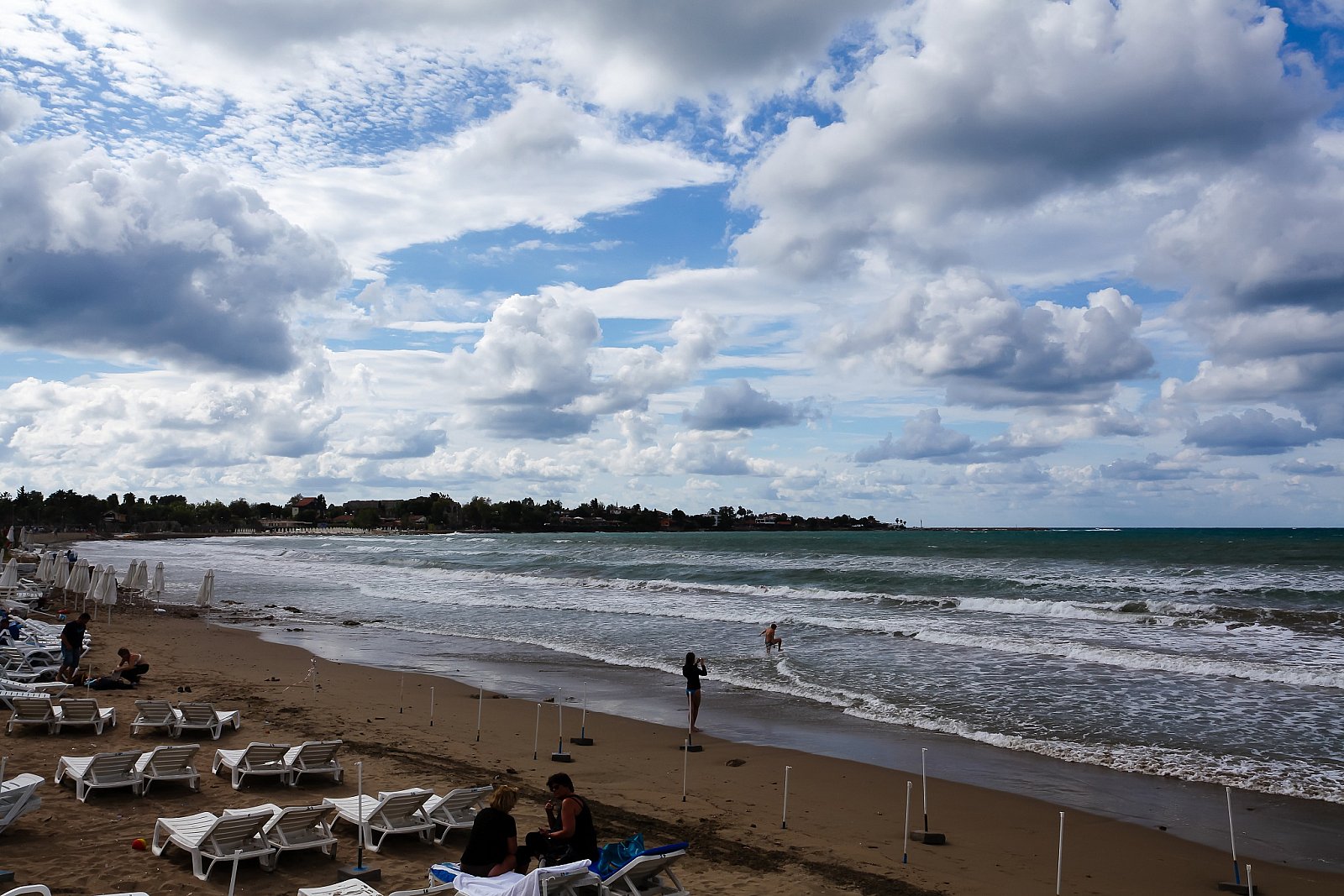
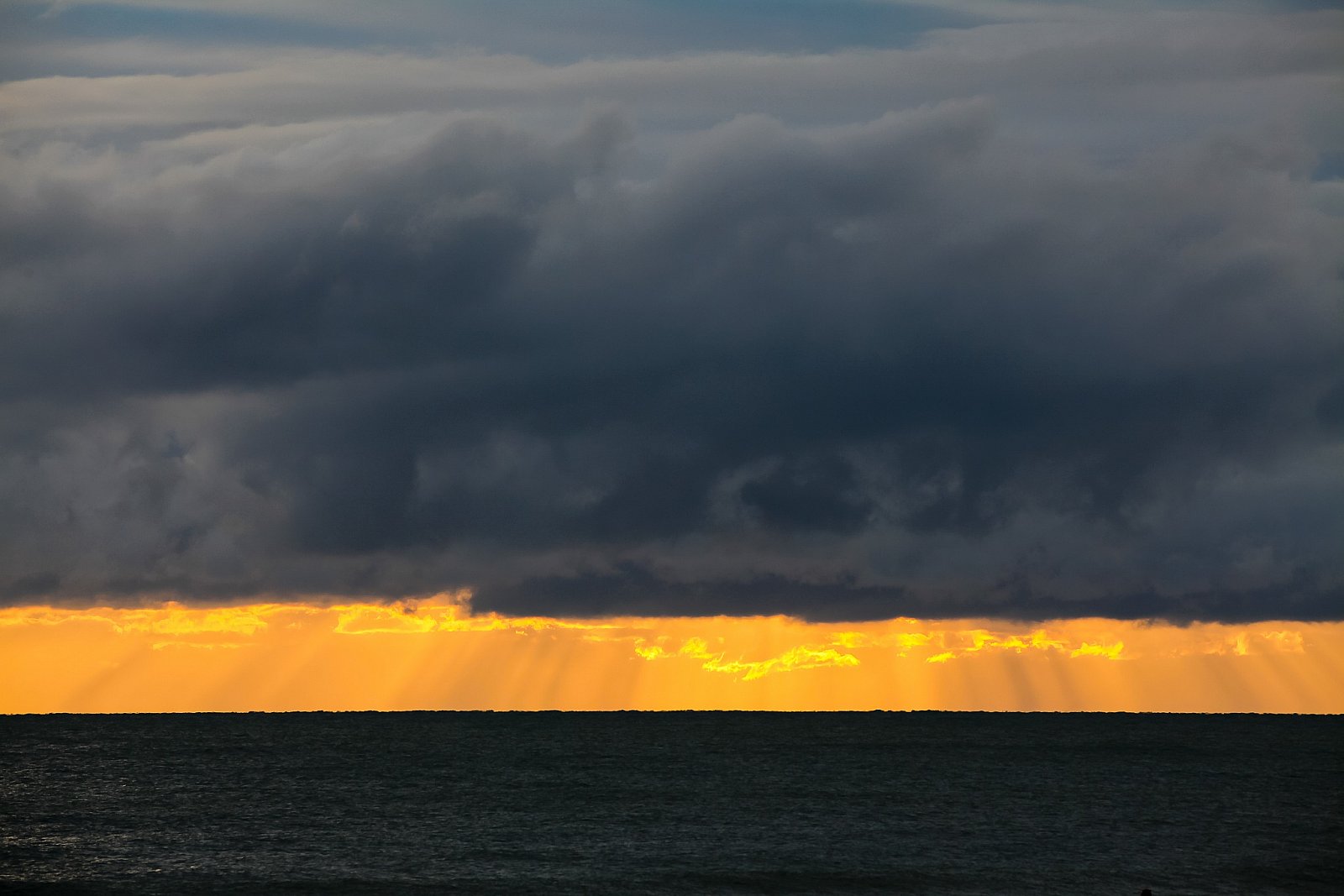
Lightbox Example
10 images from Test Folder 5 linked to the event



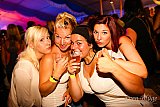

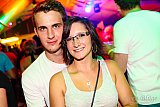
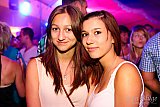
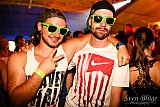

All images from the Test Folder 3 event
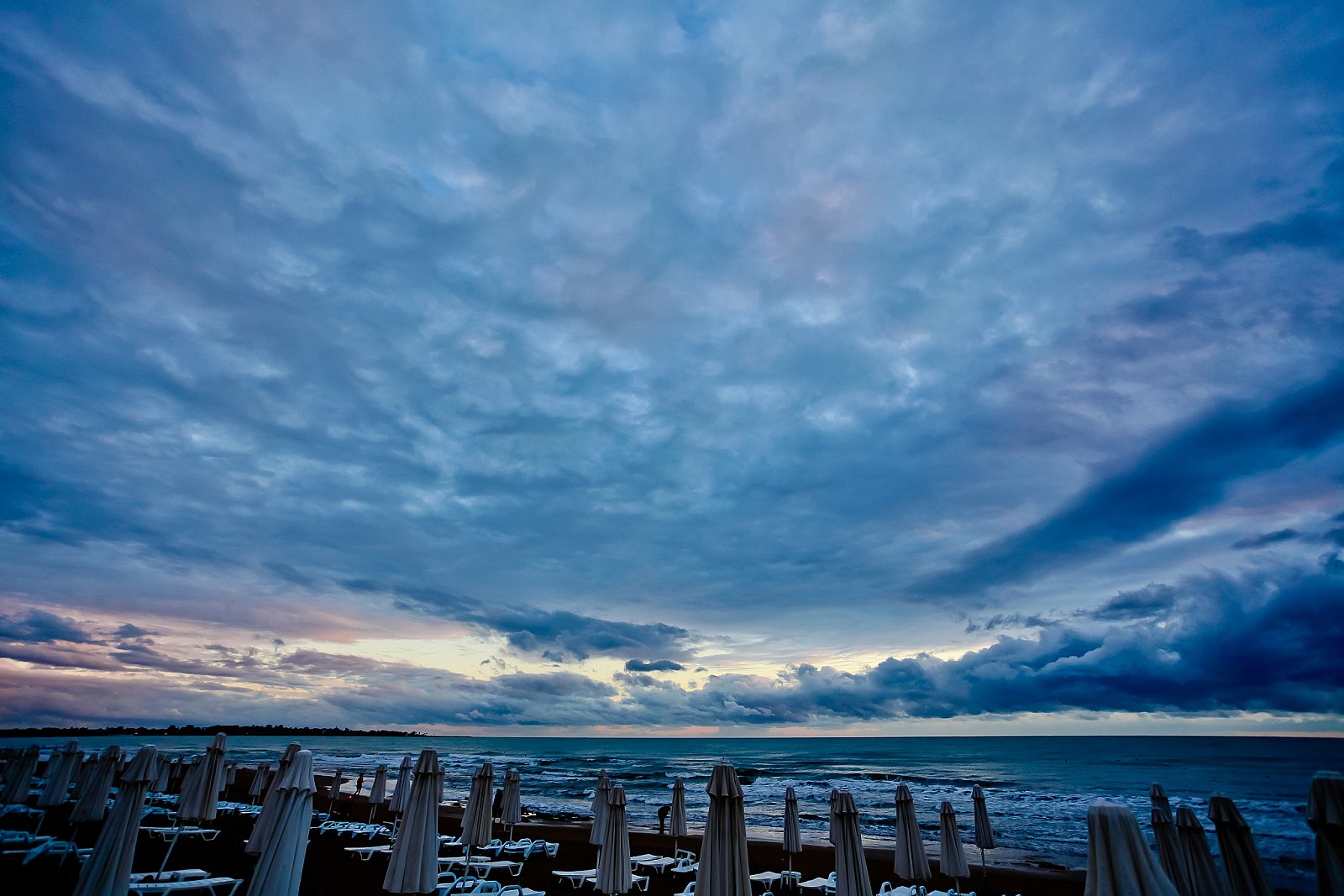
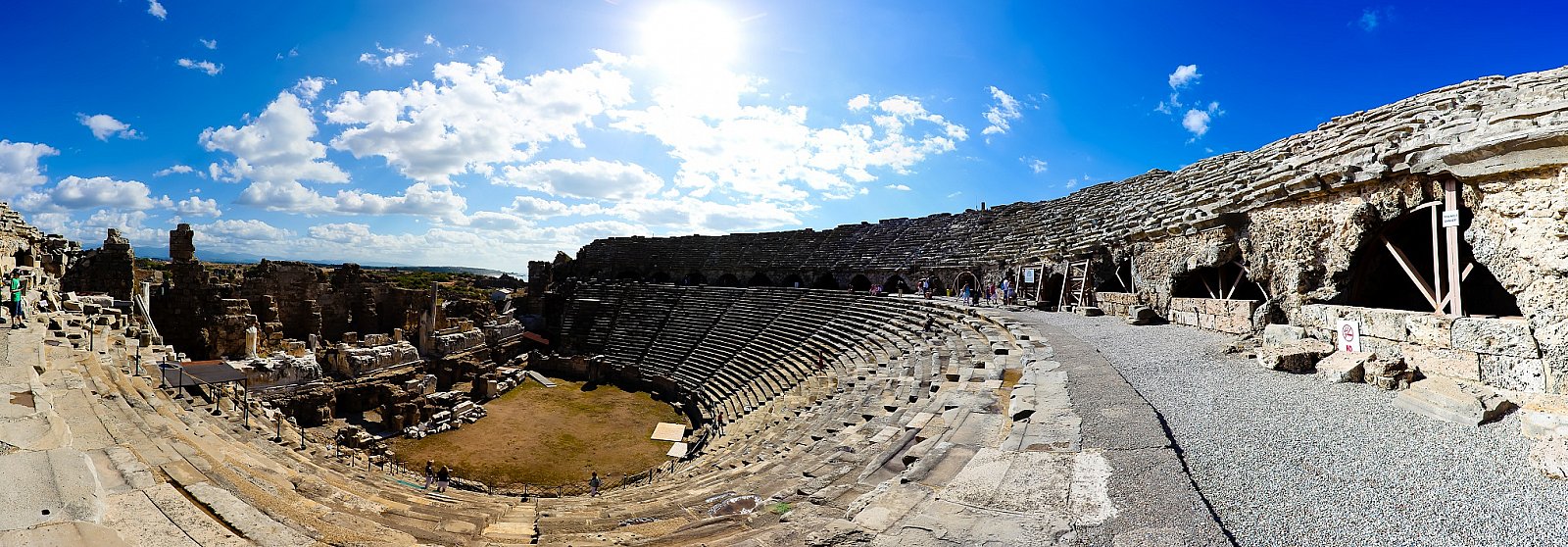
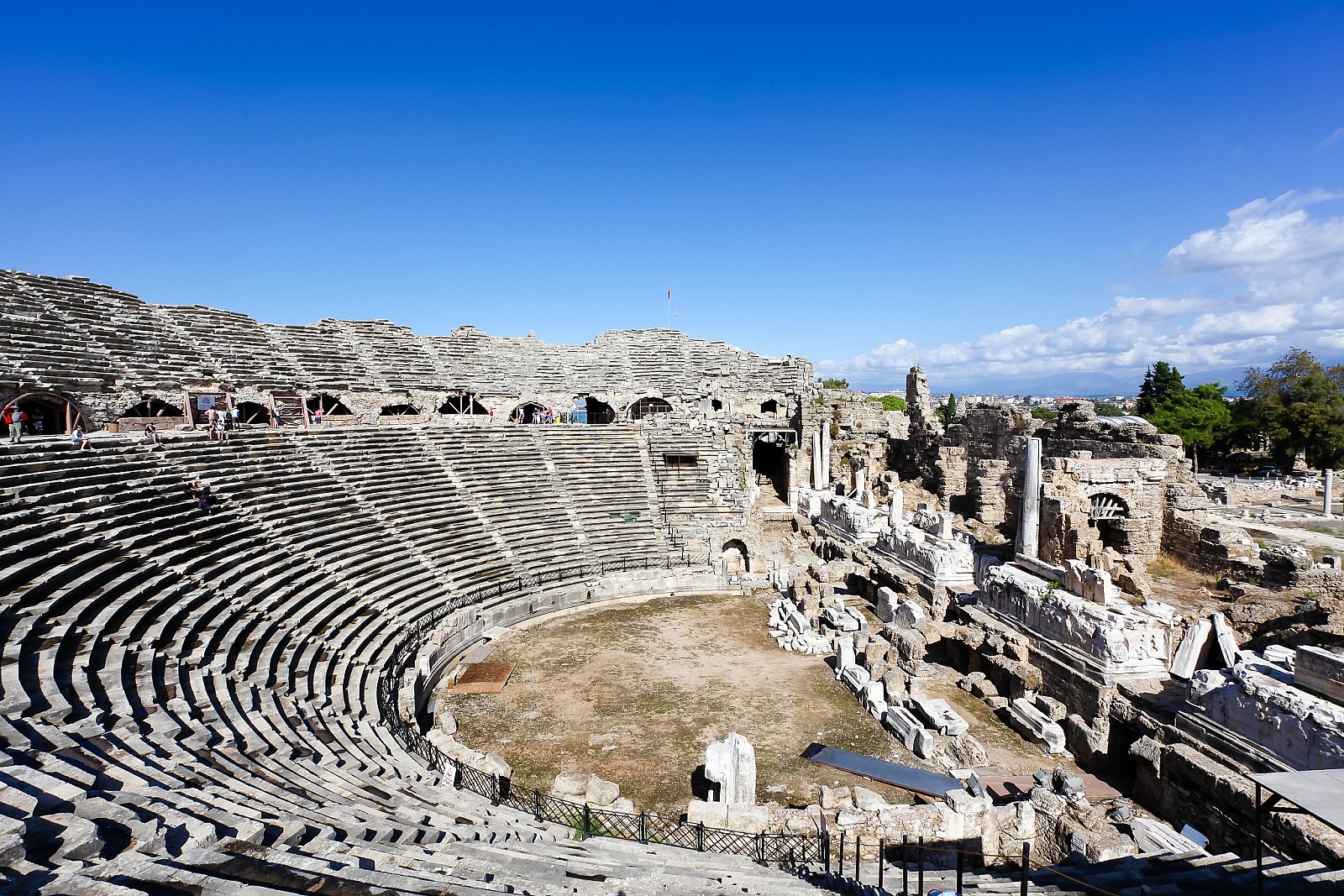
The content plugin can output the description, the text and images from an event separately.
Adding single images to an article
Instead of adding an event you can add single image thumbnails as well. This method is not as flexible as adding an event since you can't use different layout methods.
- Link mode
- Lightbox mode
- Raw mode
The image tag can show the image, the title or its description. If you need all at once, you can display it as a HTML figure elements:
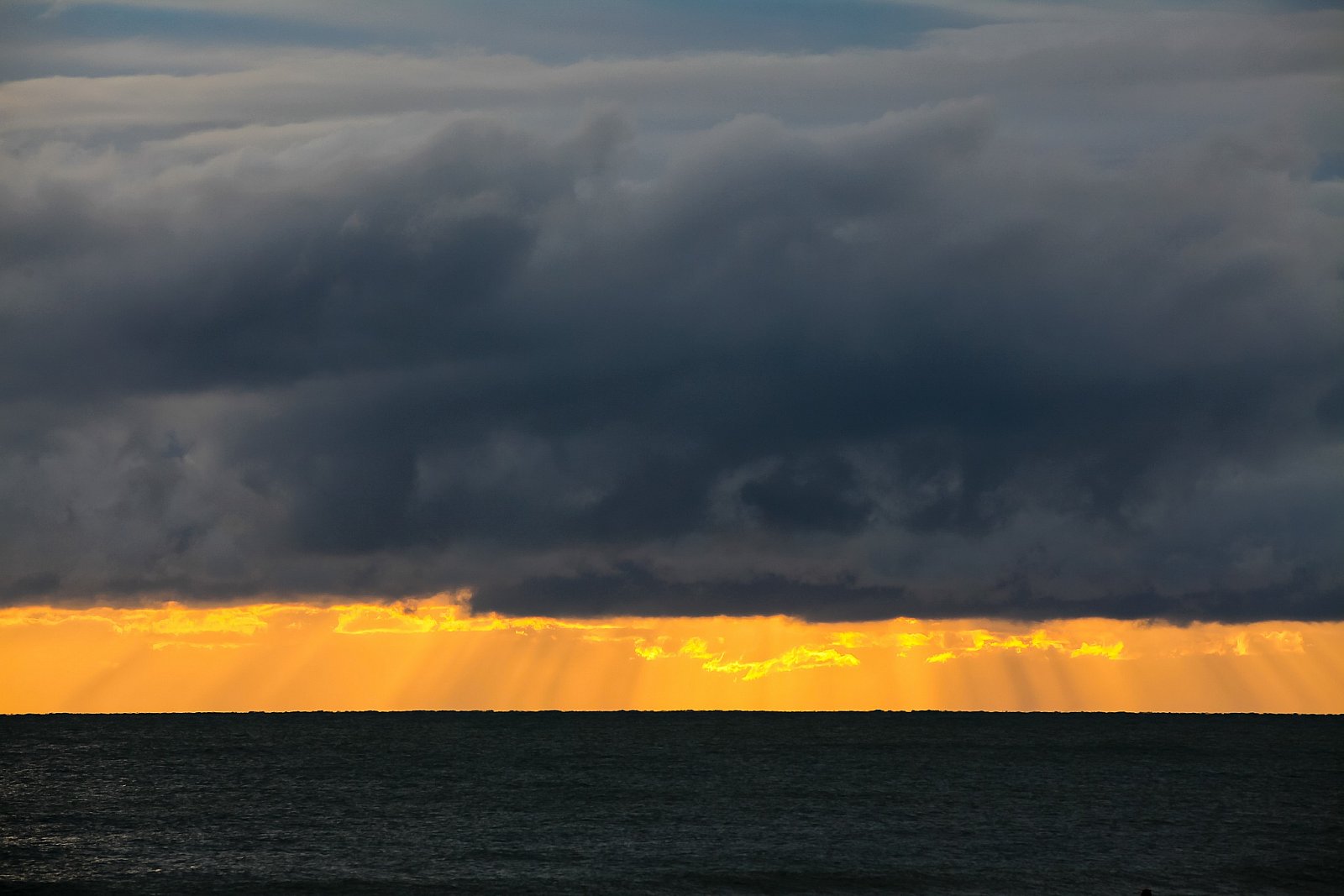
Slider
Video